Rockefeller: A market ticker
I check Bitcoin and a few stocks more often than I am willing to admit. Most finance applications would like that small habit to become a complete relationship. They have dashboards, news, alerts, trading buttons and notifications about a coin moving two percent at three in the morning.
I only wanted the price in my menu bar.

I started Rockefeller on April 19. The first version reached the Mac App Store two days later, which is unusually quick for one of my applications. The name is a little grand for something whose main job is to sit quietly next to the clock, but I decided to keep it.
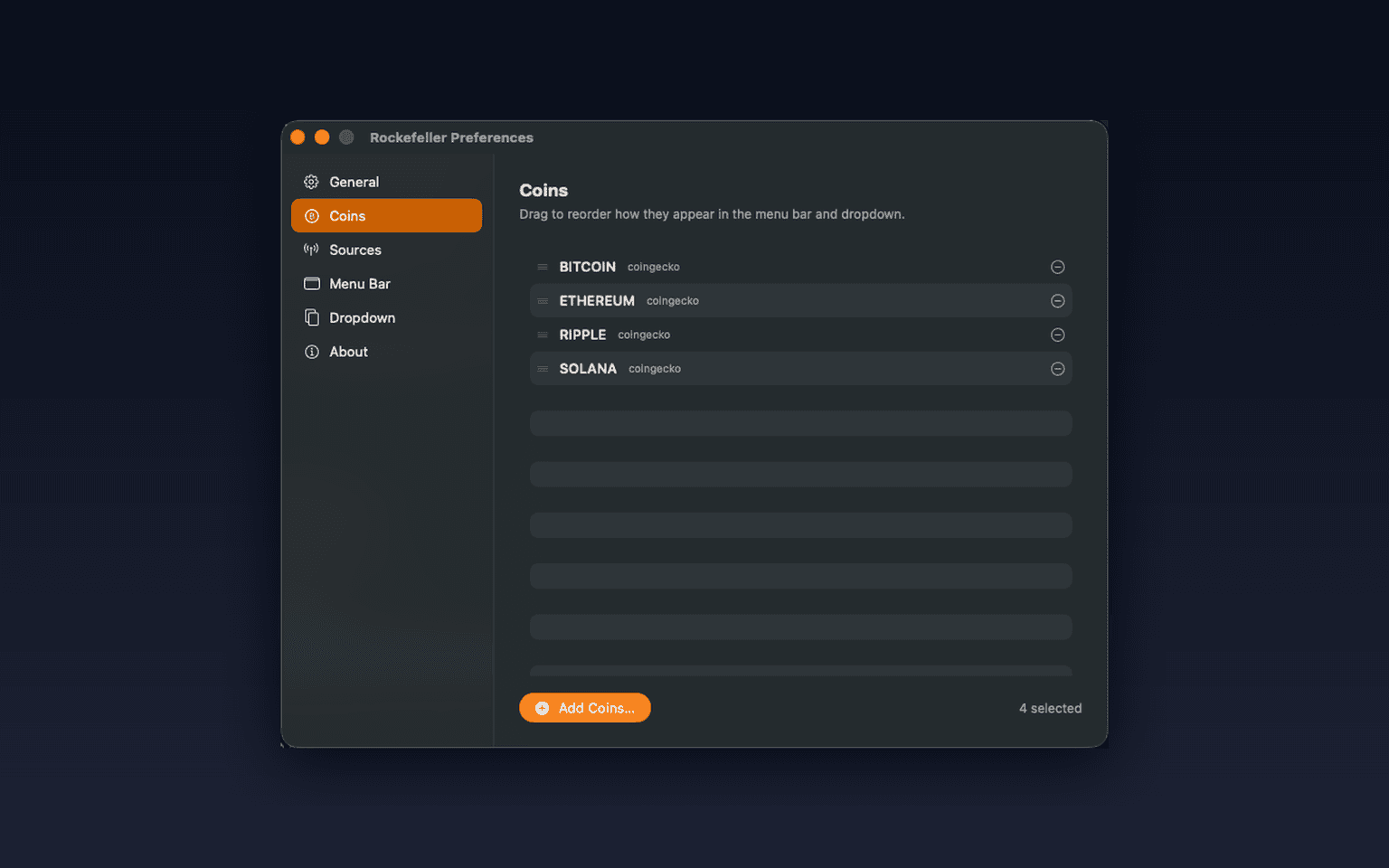
Rockefeller shows the crypto and stock symbols I care about directly in the menu bar. I can choose several of them, change the base currency, control the price precision and decide how the symbols and values should look. There is no Dock icon and no main window waiting for attention.
Clicking the ticker opens a small dashboard with the latest prices, 24-hour changes and sparklines. The chart can show 24 hours, seven days or 30 days, and the data is cached so the graph does not arrive late every time the application launches. It is enough context to see whether something moved without turning a quick glance into a research project.
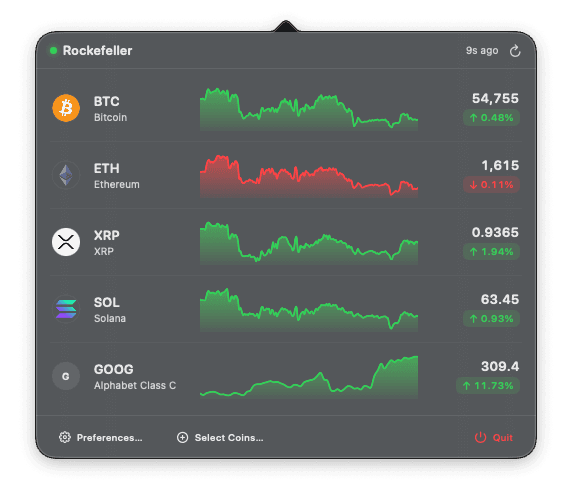
Crypto prices come from CoinGecko and stock prices come from Yahoo Finance. Neither source needs an account or API key. Stock values are also converted into the selected base currency, since showing a mixture of dollars and euros in the same menu bar would be technically correct and practically annoying.
The application is built with SwiftUI, with an NSStatusItem doing the menu bar work. SwiftUI's MenuBarExtra could not give me the separate styling I wanted for symbols and values. NSStatusItem gave me the control to color them according to the daily movement while the rest of the interface could remain in SwiftUI.
The first day of development also produced a Settings window, which I promptly removed. Then the application gained a popover and a smaller Preferences window when those controls had a clear reason to exist. I believe menu bar applications become worse very quickly when every possible setting earns its own checkbox, so Rockefeller still tries to keep the number of decisions small.
Rockefeller does not trade, send price alerts or build a financial profile. It is sandboxed and this version has no usage analytics. The optional support form is the exception: it sends the email address and message I enter to the support service.
I do not know if leaving market prices visible makes anyone check them less often. It does at least make each check much shorter.
Rockefeller Ticker is available on the Mac App Store.
Look once, close the popover and get back to work.