Control you can feel
Exposure, contrast, highlights, shadows, whites and blacks, then tone curves, HSL, colour grading wheels and a black-and-white mixer. Every slider renders live on the GPU.
 Matisse
iPhone, iPad & Android · Photo editor
Matisse gives you the tonal and colour control of a desktop editor, twelve kinds of mask, and proper retouching. It runs entirely on your phone or tablet, with no account to make and no photos uploaded anywhere.
One-time purchase · iOS, iPadOS & Android
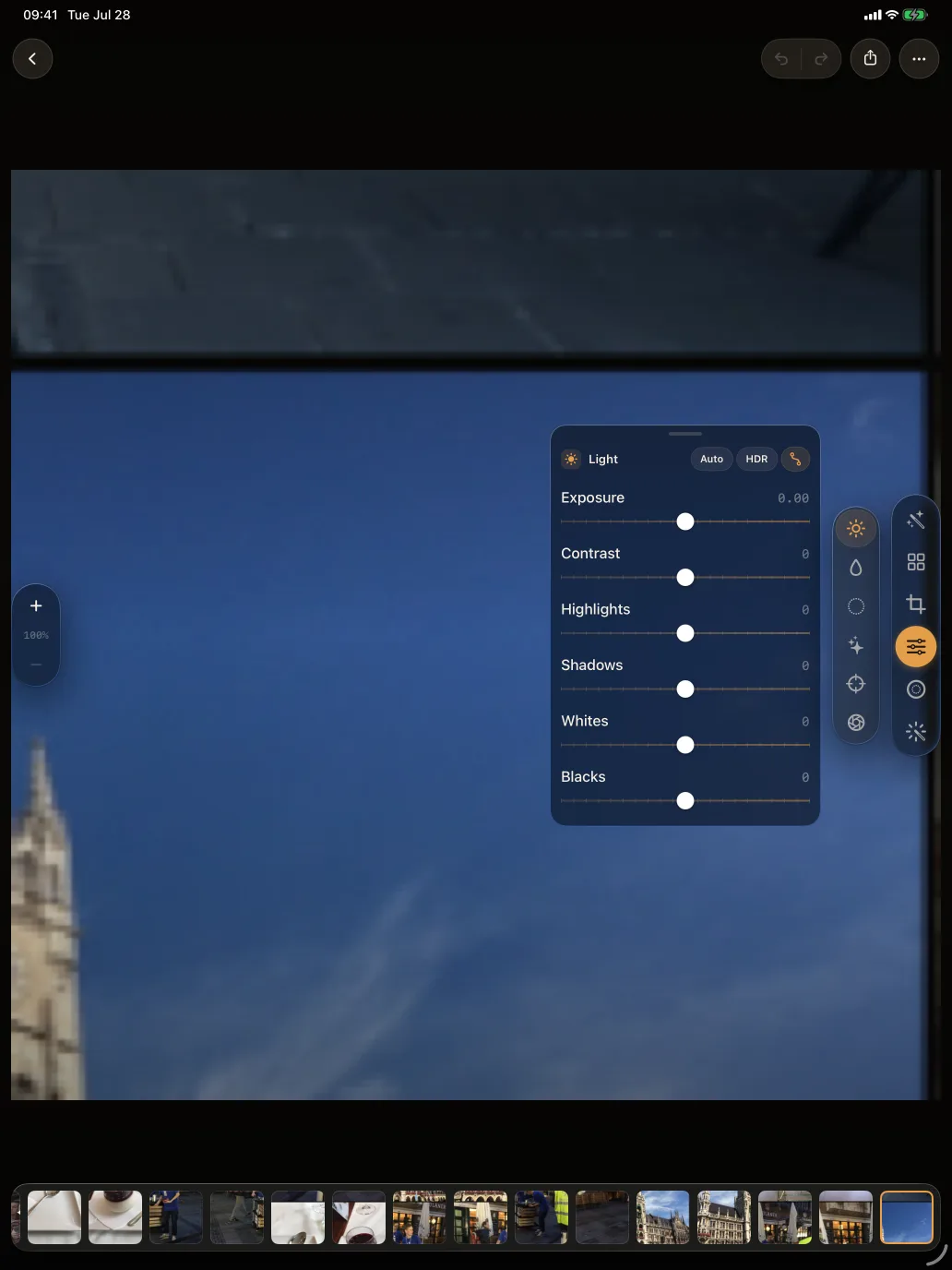
Exposure, contrast, highlights, shadows, whites and blacks, then tone curves, HSL, colour grading wheels and a black-and-white mixer. Every slider renders live on the GPU.
Brush and gradients when you know what you want. Subject, sky, background, vegetation and architecture when you would rather the phone find it for you.
Remove, heal and clone. Paint over the bin bag in the corner of an otherwise good frame and it goes away.
Browse recommended looks filtered by mood — subtle, cinematic, warm, HDR — or save your own edit as a preset and apply it to the next photo.
No account, no cloud workspace, no advertising or third-party tracking. Photo access exists so you can edit your own pictures, and that is all it is used for.
JPEG, HEIF, PNG or TIFF at full resolution, with a quality control for the lossy formats and a switch to strip GPS before the file leaves the app.
Most edits are local. Matisse gives you twelve ways to say where: paint a brush mask, drag a linear or radial gradient, pick a range of colour, luminance or depth, or let the phone find the subject, the sky, the background, the greenery or the buildings for you. Every adjustment can then be applied through that mask alone.
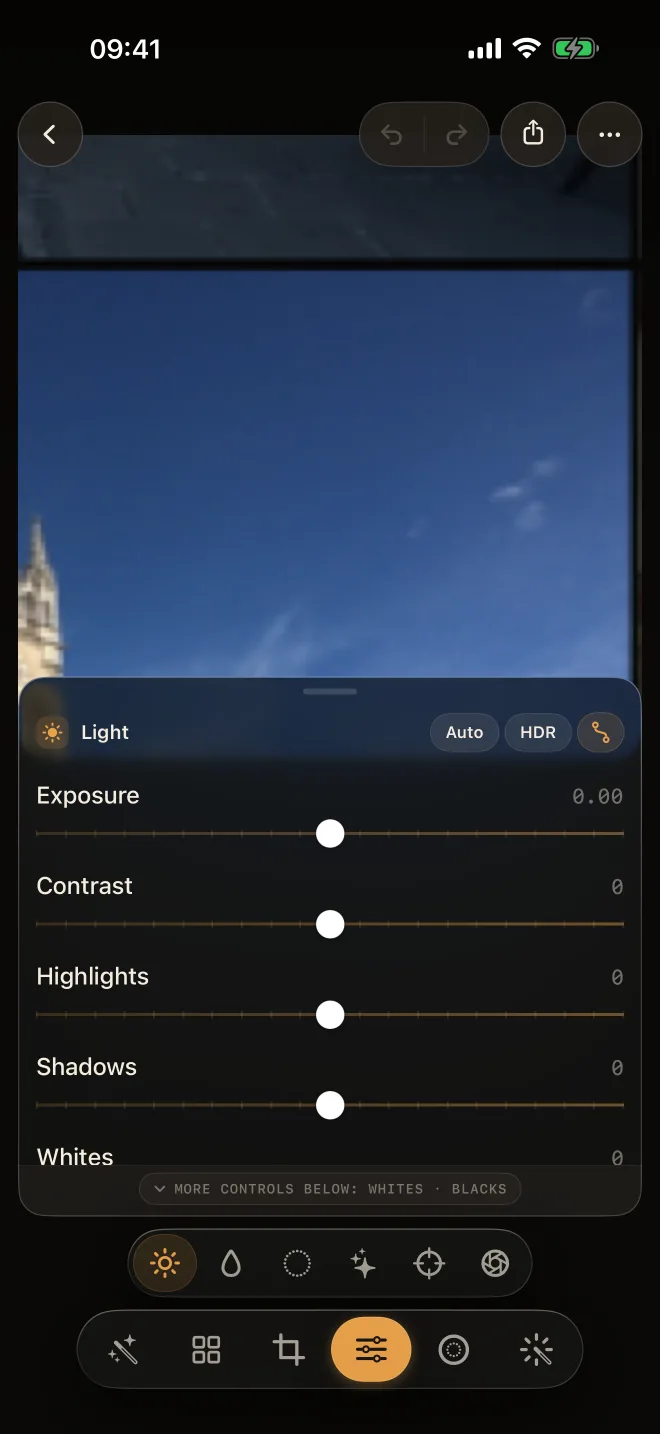
Light & colour
Detail & optics
Frame & finish
One purchase, no subscription, no account. If you have been looking for a real editor that does not want your library in its cloud, this is it.